To complete your training in Learn to Win, it is important to understand how the app is organized.
The app has three main sections:
- Teaching Packages
- Content Bank
- Quiz Results
Teaching Packages and Learning
This is the default view that you will see upon logging in to your Learn to Win account.
Here, you will see that there are folders. The folders you see will house the training that needs to be completed.
Inside the folders, there are packages. You can see all packages, packages in progress, not started, and completed depending on which tab you click at the top. The same is true for the phone app.
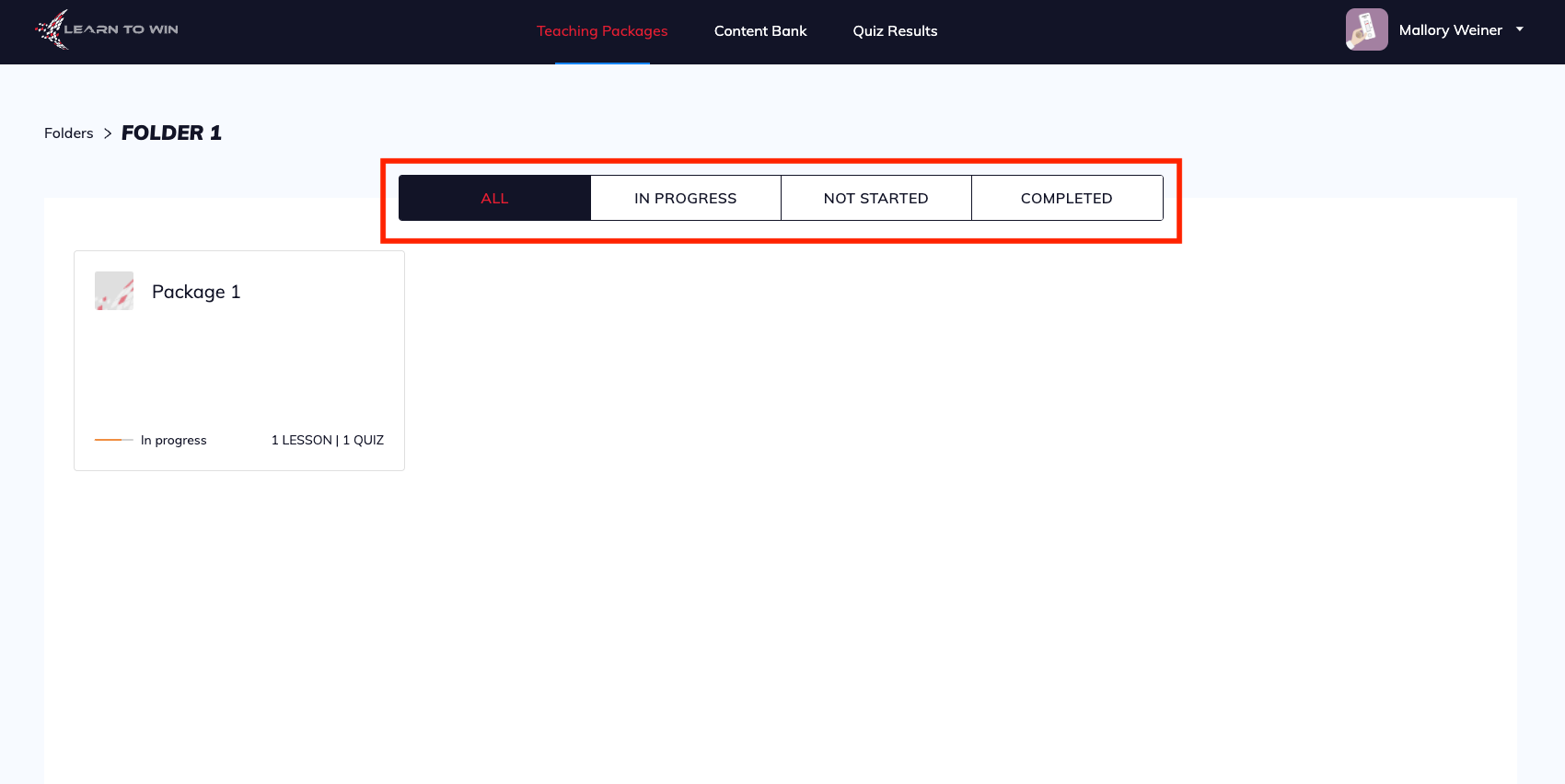
Once you click on a package, you will see the number of lessons and quizzes in that package, and also how many you have completed, if any.
To complete a lesson, simply click on the lesson to get started. Once you have completed the lesson, you will be directed back to the packages page where you can complete any remaining lessons.
To complete the quizzes inside a package, click on the Quizzes tab that appears towards the top of the view.
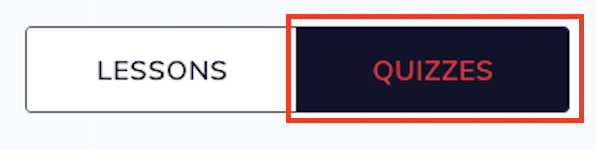
When you have completed the quizzes, you will be directed back to the main package page.
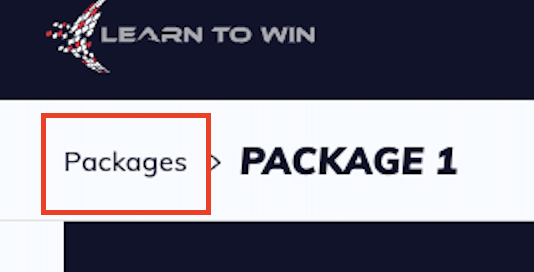
To get back to other packages inside a folder, click on Packages in the upper left corner.
This will allow you to see all the packages inside a folder.
Once you have completed all the packages inside a folder, you can head back to the main view by clicking Folders in the top left corner.
Once you have completed all the material inside any folders that you see in your account, your training is complete.
Content Bank
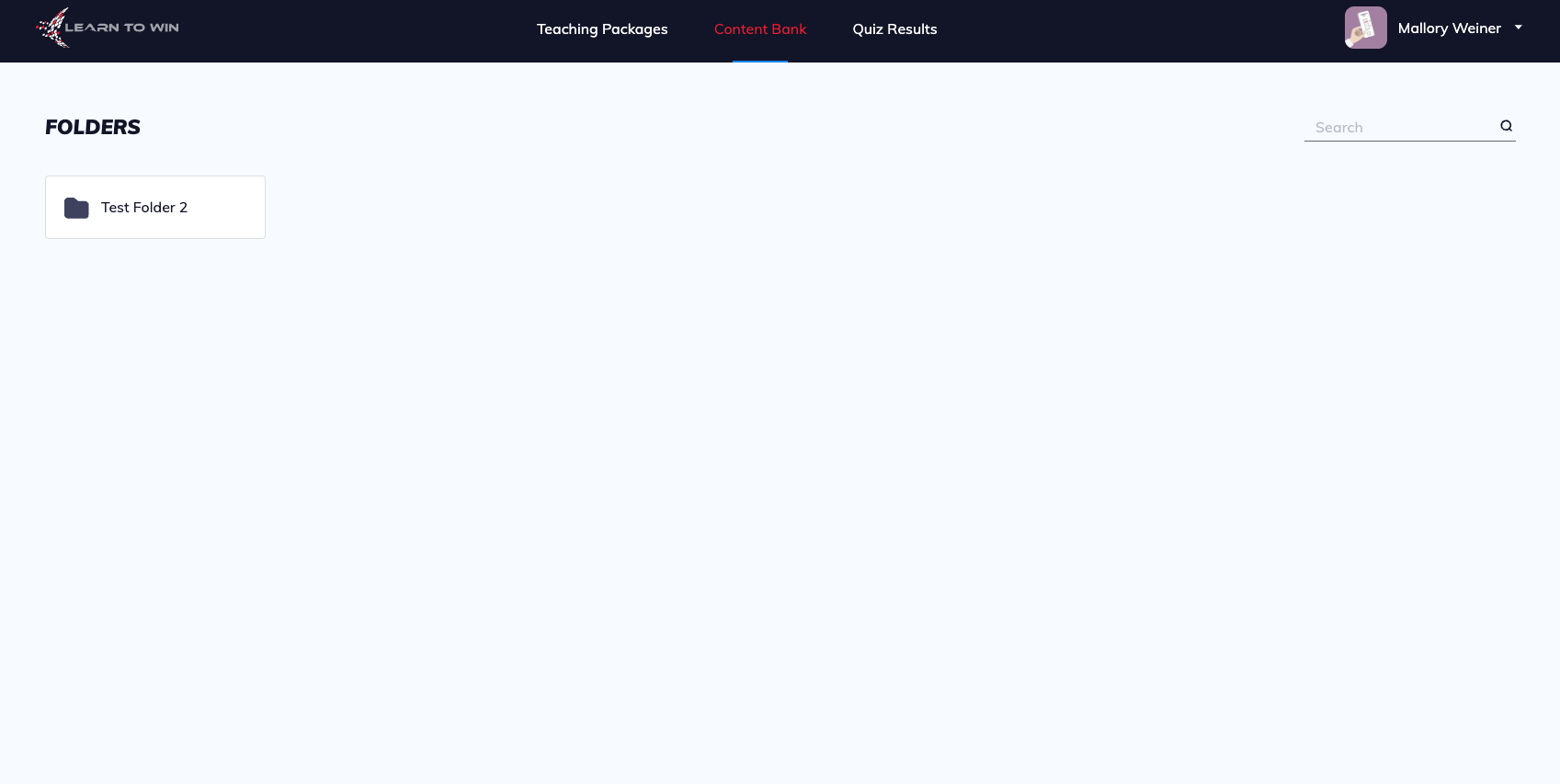
An administrator may put a folder of material in the Content Bank for you to view. To see this content, click on Content Bank.
There, you can click on a folder, if there is one available, to see any material inside. Materials may include PPTs, PDFs, images, or videos.
Quiz Results
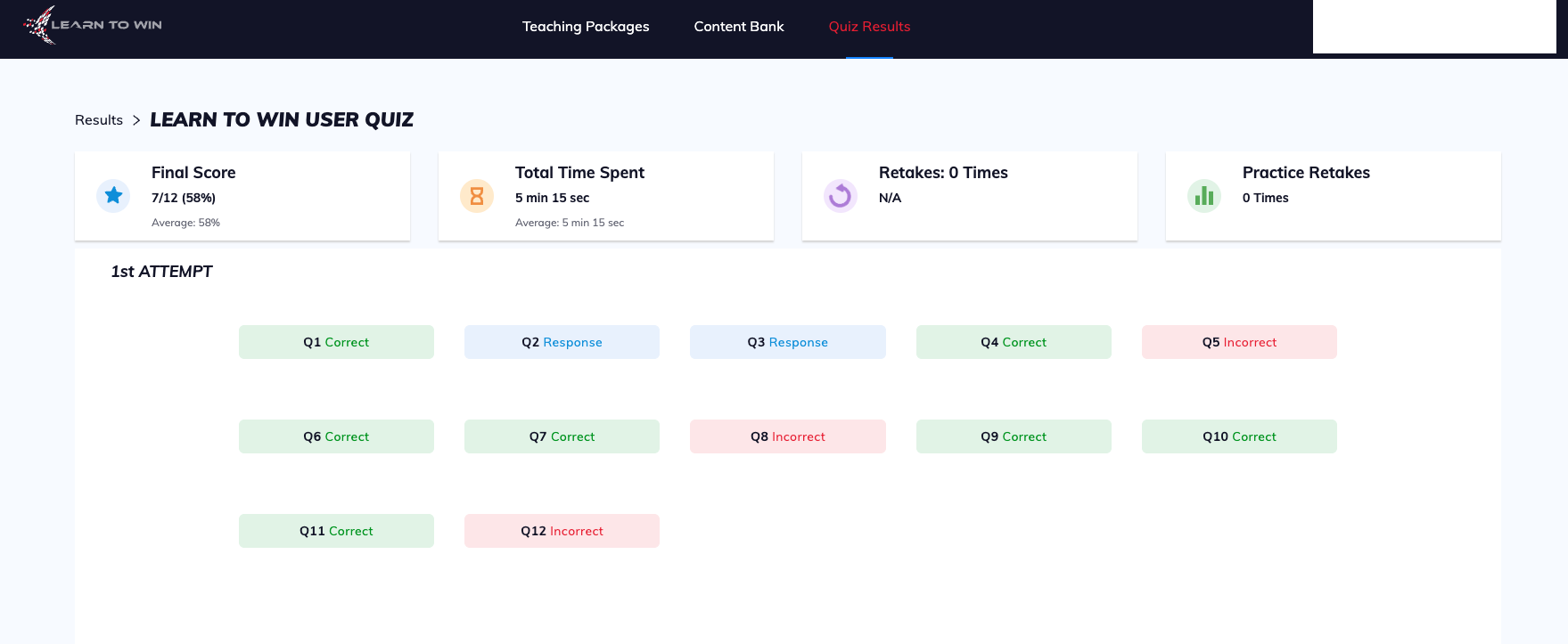
The third view in the Learn to Win app is the Quiz Results tab.
When you click on this view, you will be able to see your score for any quiz that you completed.
Along with the score, you will be able to view the name of the quiz, multiple attempts if applicable, your score, time spent, and your answers to all questions, including any custom feedback.
Now that you know how to navigate Learn to Win, you are ready for Step Three.