Completing Lessons and Quizzes
To complete your training, you will need to be in the Learning or Teaching Packages view of your Learn to Win account.
If you are having trouble navigating through your specific training, take a look back at the Teaching Packages/Learning section of Step Two to help you navigate through the training.
You will be able to see whether a package, lesson, or quiz is complete by looking at the bottom of each package, lesson, and quiz.
You will see a green flag for Completed, an orange line for In Progress, and a red clock for Not Started.
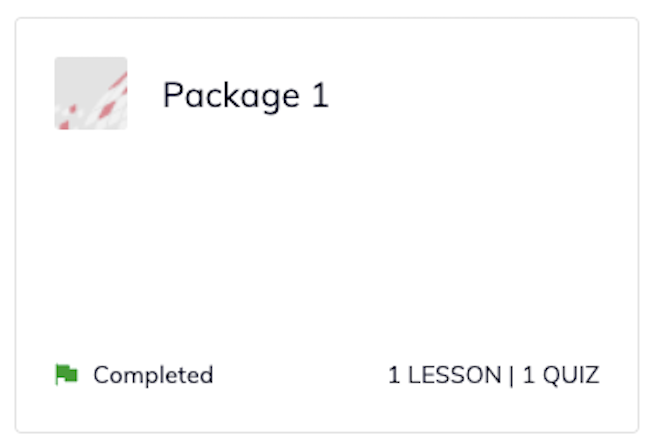
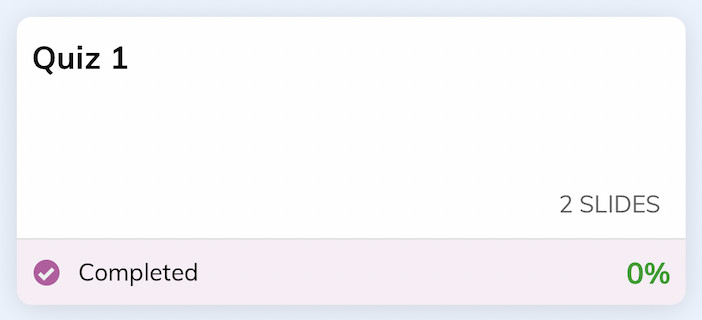
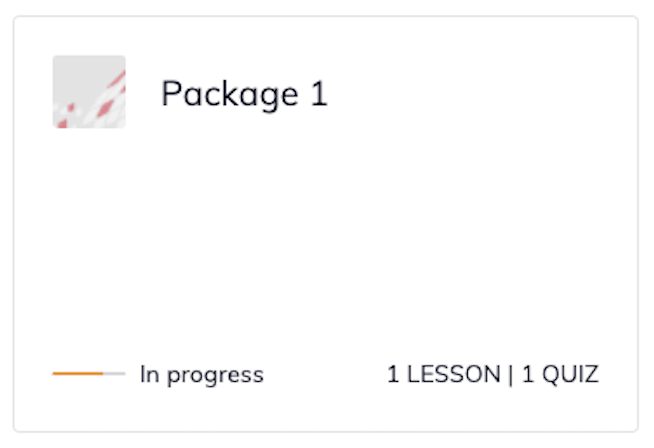
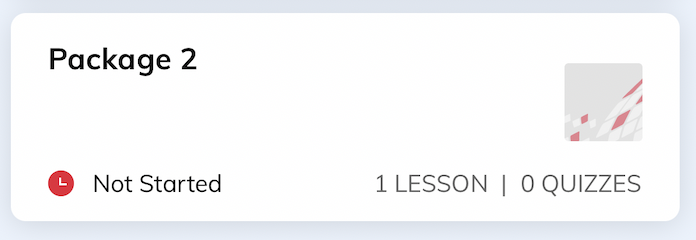
Once each of your packages is showing as Completed, your training is done! You are now ready to move on to Step Four.