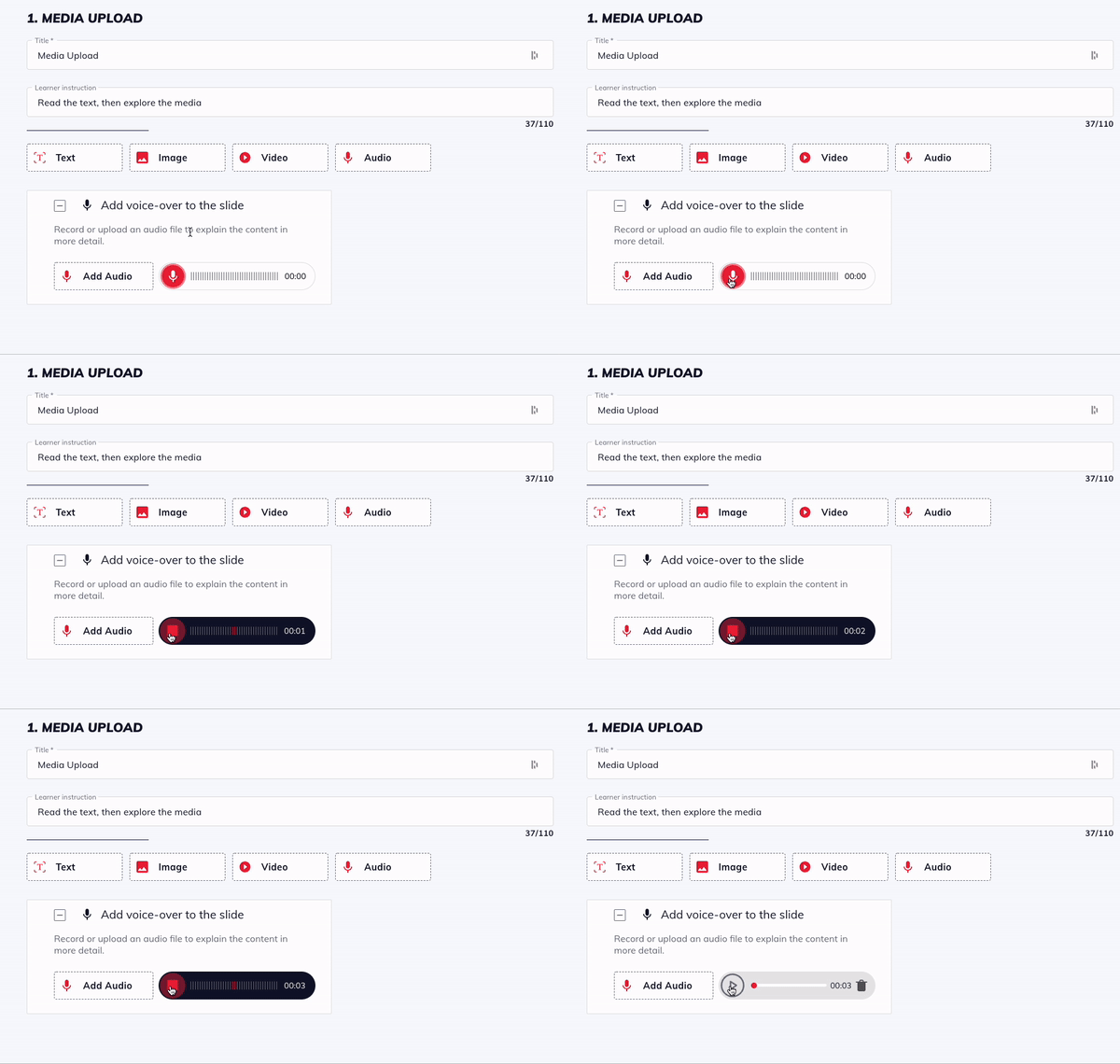
To add a voiceover to a lesson or quiz slide, click Add voiceover to the slide to expand the box.
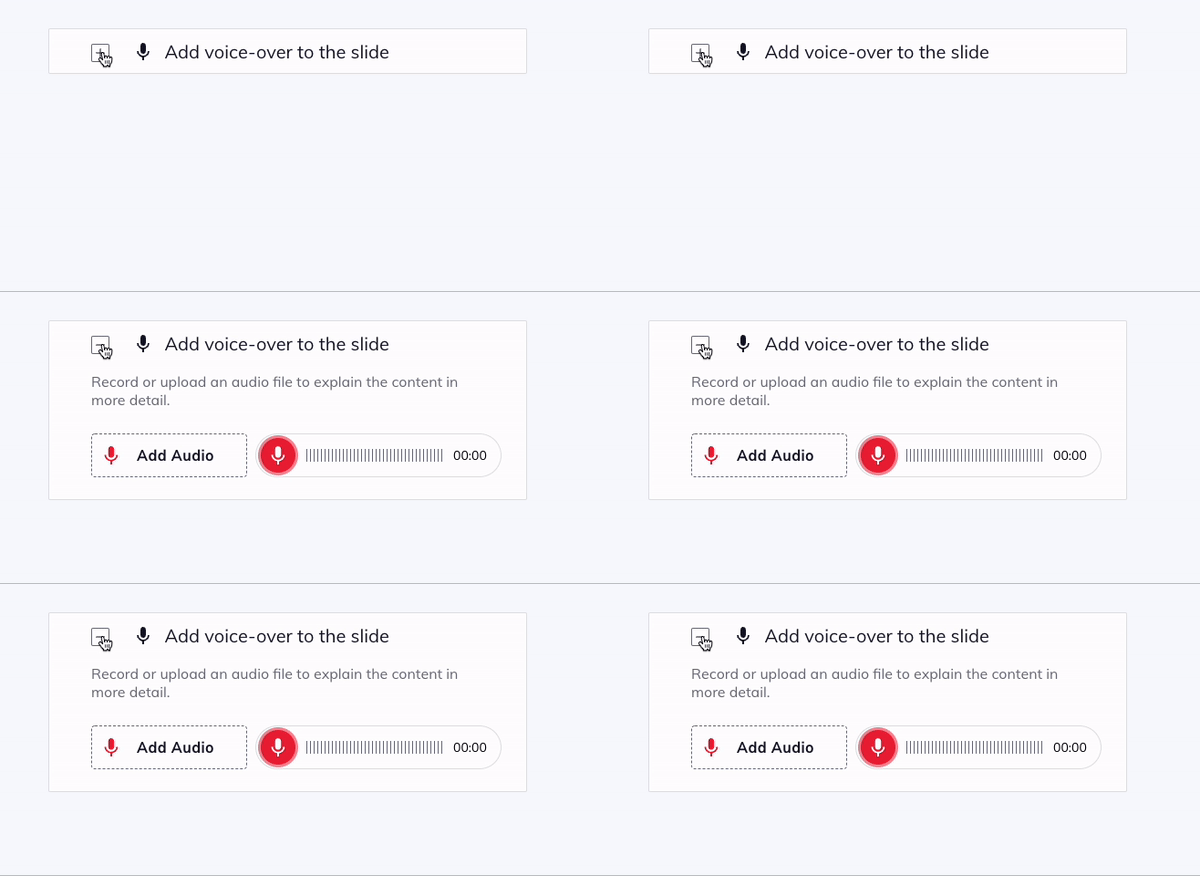
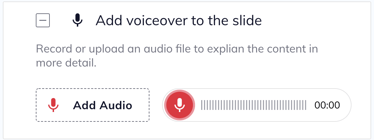
Click Add Audio to upload audio files from your computer
Click the red microphone icon to record audio in the editor. A system pop-up may appear asking you to give permission to Learn to Win to use the microphone. Click yes to enable this feature. To end the recording, press the stop button.